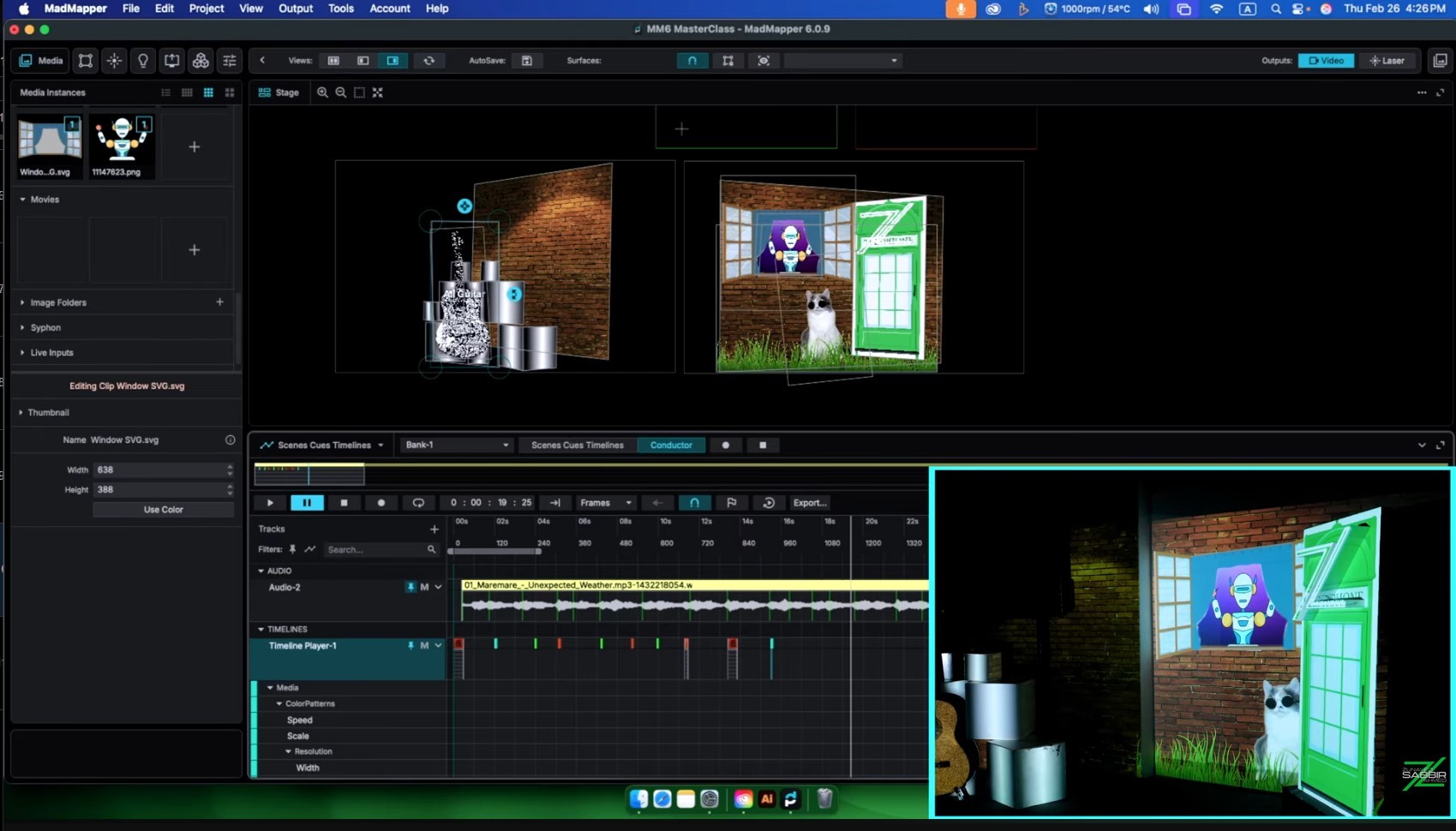

MadMapper 6 Masterclass Review: Is It Worth $349?
I am reviewing my own course. I know how that looks. But after fourteen years with MadMapper, hundreds of one-on-one teaching sessions, and watching this community grow — I think I am exactly the right person to tell you honestly what this course is, who it is built for, and whether the price makes sense for you specifically.
Is the MadMapper 6 Masterclass worth $349? The honest answer is: it depends on who you are.
Why I Built It
I have been teaching MadMapper in one-on-one sessions for years. In nearly every session I found the same thing. 99 percent of students had never found a structured step-by-step learning base. They had watched YouTube videos. Read forum posts. They could do some things confidently and had terrifying gaps in others. MadMapper has good content on YouTube but it is topic-specific and not sequential. And most of it was made on MadMapper 3 or MM4. Version 6 has a fundamentally different interface and a completely rebuilt timeline. Learning on old tutorials and then opening MM6 is disorienting at best.
I wanted to bring more professionals and serious hobbyists into the full world of mapping — not just projection but everything. Projection, LED, lights, laser, the whole thing. That is what a masterclass means. Everything you need to become a master.
What Is Inside
22 chapters. Just over five hours of video. Downloadable example projects and practical tasks throughout. Lifetime access.
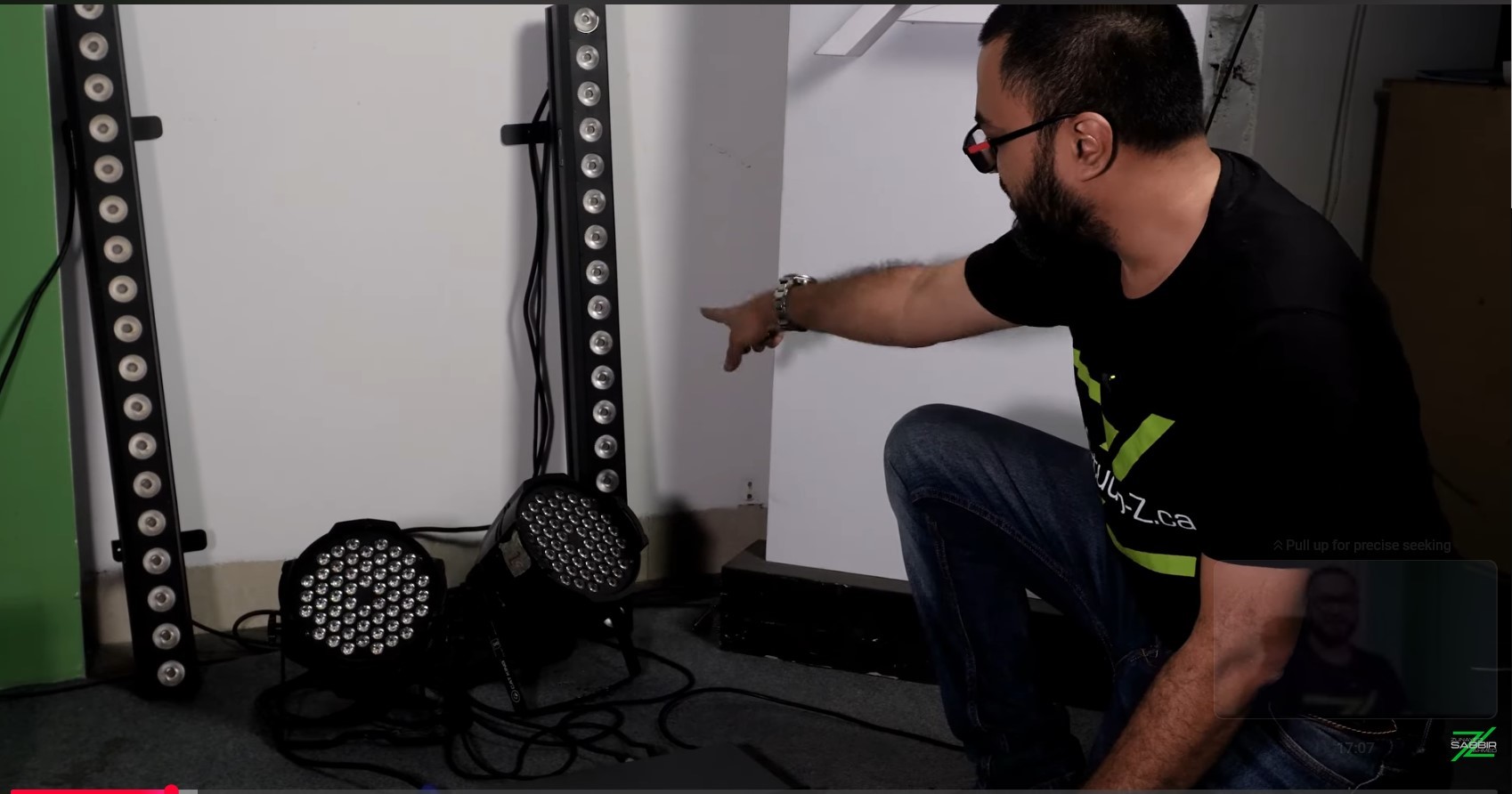
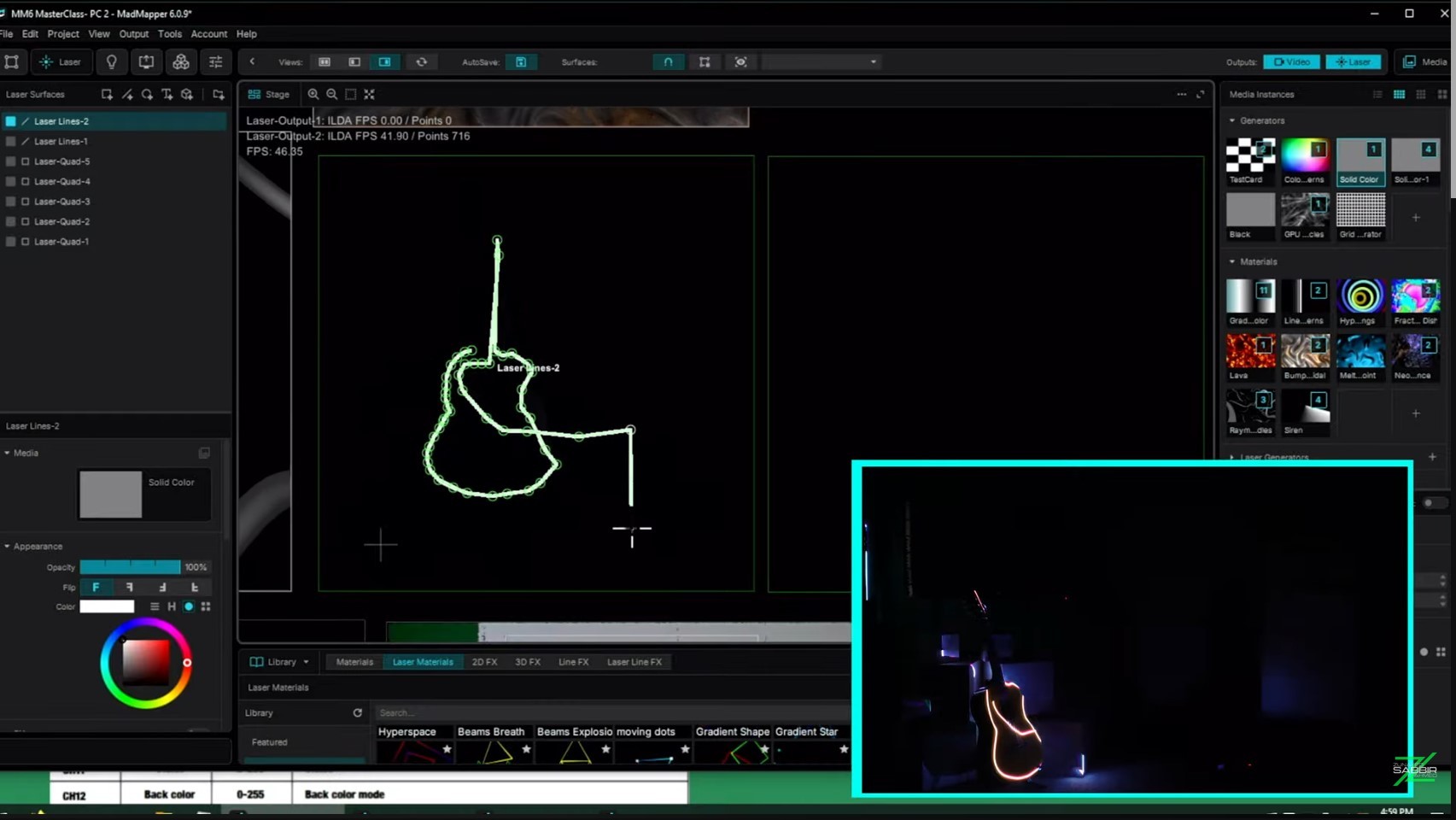
The course moves through four phases: foundation covering hardware, install, and interface; core mapping covering surfaces, media, geometry, masks, and groups; show building covering multi-projector output, scenes, cues, timeline, external controls, and live inputs; and specialized outputs covering Space Scanner, LED, DMX, laser, Timeline Level 2, and troubleshooting.
The final chapter is nearly an hour on its own. We build a complete timeline-based show from scratch — recapping everything from the course and putting it together into a real deliverable. That is where the learning consolidates.
The Chapter That Will Surprise You
The stitching and stacking chapter. These are the two essential paths for working with multi-projector installations and I have never seen them explained anywhere near as clearly as in this chapter. There is no proper YouTube video that covers this the way this chapter does. If you are planning multi-projector work — and at professional scale you will be — this chapter alone justifies serious attention.
What I Left Out and Why
Advanced functions are not covered in depth. Some are on YouTube. The rest I cover in one-on-one sessions. I made this deliberate call because the course is beginner to intermediate and overloading it with advanced material would bury the foundation. Get the foundation right. The advanced skills build naturally on top.
Is $349 Too Much?
If you are a professional or serious about becoming one — no. You are gaining a skill that pays well in this economy. 22 chapters, five-plus hours of video, example projects, lifetime access. You know what that means in terms of actual learning hours and practical value.
If you are a serious hobbyist who genuinely wants to understand how this all works and not just dabble — also no. You will use this course for years. Lifetime access means you come back to it every time you level up.
If you are casually curious and not sure whether mapping is something you want to pursue — watch the introduction video first. It summarizes everything the course delivers. If you look at what I show in that video and want that knowledge, buy it. If not, that is a fair and honest answer for yourself before spending anything.
Who It Is For
Aspiring mappers starting from zero. Event designers and installation creators adding mapping to their toolkit. AV technicians expanding into media server and mapping workflows. LED and lighting programmers wanting to integrate visual mapping with DMX and display systems. Live show producers who want to build structured timeline-based shows professionally.
When I built this course I pictured someone enthusiastic, craving to gather mapping knowledge, willing to be taught step by step with real examples. If that is you, this course was built for you.
What Backs This Up
I am a certified MadMapper trainer recognized directly by MadMapper. That is not a self-assigned title. It is verifiable on MadMapper's official website. Fourteen years. 400-plus shows. 20-plus international productions. That is the experience behind every chapter.
The fragments approach — YouTube, forums, trial and error — works. I lived it. But it always leaves gaps and those gaps show up at the worst possible moments. This course fills them in the right order from someone who has already made every mistake so you do not have to. That is what $349 buys.
Get Started: https://studio-z.ca/all-courses/madmapper-6-masterclass-beginner-to-intermediate/



Top comments (0)