
When I first opened version 6 and started playing with the new Timeline, something clicked.
This wasn’t just an update.
This was MadMapper stepping into the center of a production or installation workflow.
Before we go deeper, a quick intro.
I’ve been working with MadMapper since around 2013—back when I looked very different, and so did the software. Over the years, I’ve used it across live shows, permanent installations, brand activations, and experimental setups alongside tools like Resolume, lighting consoles, lasers, and media servers.
This blog isn’t a tutorial.
It’s a practical breakdown, mixed with real-world opinion, of what MadMapper 6 brings to the table—and who will benefit most from it.
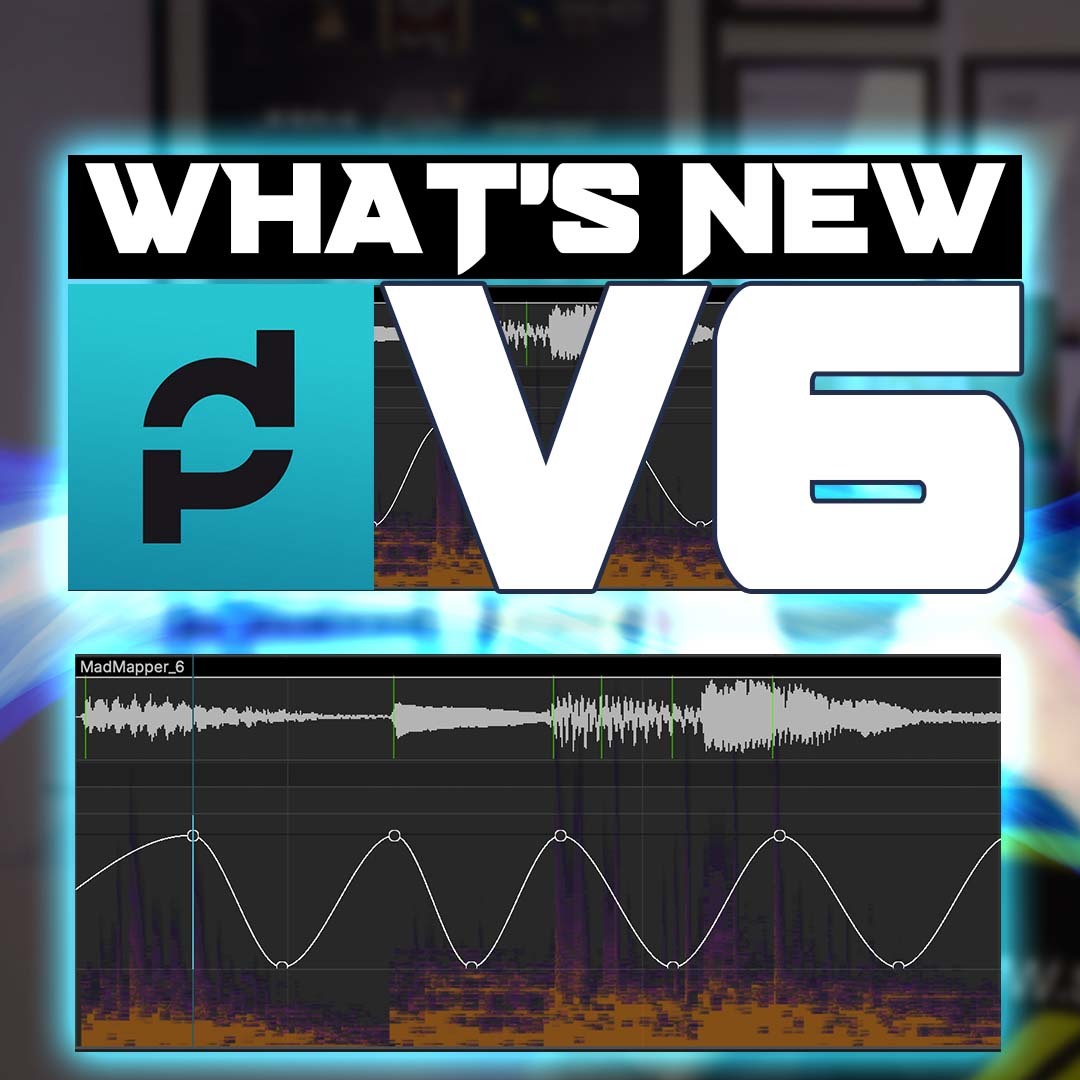
The Big Shift: MadMapper Gets a Timeline
Let’s address the elephant in the room.
The Timeline.
This is the feature that changes everything.
The best way to describe it?
It feels like After Effects met Ableton Live, but decided to live inside MadMapper.
You’re no longer thinking only in terms of layers, cues, or manual triggering.
Now you’re thinking in time, structure, and sync.
Lasers, lights, visuals, audio-driven events—everything can live on a shared timeline and move together with intention. This is huge for:
- Show-based projection mapping
- Music-driven installations
- Brand launches and product reveals
- Hybrid setups where visuals, lighting, and laser need tight synchronization
Once you start using it, MadMapper stops being “just a mapper” and starts behaving like a show control brain.
First Impression: The New Interface
When MadMapper 6 launches, the first thing you’ll notice is the new interface.
It’s cleaner, more structured, and clearly built to support bigger projects.
At first, I struggled a bit—not because it’s bad, but because muscle memory fights change.
The key thing to understand is this:
Settings are now split into Application Settings and Project Settings.
Once that clicks, the interface starts making sense, especially when working on multiple projects or installations. It’s a move toward more professional, scalable workflows.
Projects Are Now Workspaces (And That’s a Big Deal)
MadMapper projects are now stored inside a dedicated folder structure with linked resources.
Think of it like a proper production workspace:
- Media
- SVGs
- Assets
- Project data
And yes—there’s now a proper Collect option under the File menu.
For anyone who has ever had to:
- Move projects between machines
- Archive installations
- Share work with a team
- Reopen a project months later
This is a very welcome upgrade.
MadLight and MadLaser: Slowly Becoming Serious Tools
MadMapper’s lighting and laser sides have been evolving quietly, and version 6 continues that direction.
MadLight
It’s not trying to replace a full lighting console—and that’s fine.
But for synchronized visual-light workflows, especially in installations or small to mid-scale shows, it’s becoming very usable.
MadLaser
If you understand laser safety and proper workflow, MadLaser integrates beautifully with timeline-based control. Again, it’s not about replacing dedicated laser software—it’s about tight integration.
This is where MadMapper shines:
One brain, multiple outputs.
SVG Improvements and Native Export
SVG handling is smoother, more reliable, and better optimized.
If you work with architectural mapping, logos, or vector-based content, this matters more than it sounds.
Native export improvements also make MadMapper more friendly for documentation, previews, and client approvals.
Performance Improvements Worth Mentioning
MadMapper 6 also brings several under-the-hood improvements. A few highlights:
- Optimized masking performance
- Better handling of HAP movies (including edge cases with audio)
- General stability and responsiveness improvements
These aren’t flashy features, but in real projects, they save time—and stress.
The Downsides (Yes, There Are Some)
Let’s be honest.
One major downside I faced:
Some older projects simply wouldn’t open properly.
A few could be fixed by relinking assets.
Some needed partial rebuilding.
A couple were complete fresh starts.
There may be workarounds, but in professional environments, this is something to be aware of before upgrading mid-project.
My Honest Take as a Long-Time User
I’ve worked extensively with Resolume and MadMapper, often together.
My relationship with MadMapper has always been about precision:
- Physical surfaces
- Architectural logic
- Installation thinking
MadMapper 6 doesn’t replace Resolume.
It redefines where MadMapper sits in a professional pipeline.
If your workflow involves:
- Fixed surfaces
- Timeline-based storytelling
- Multi-disciplinary sync (visuals, lights, lasers)
- Long-term or repeatable setups
MadMapper 6 makes a lot of sense.
Who Is MadMapper 6 Best For?
MadMapper 6 is ideal for:
- Projection mapping artists
- Installation designers
- Experiential designers
- Museums and permanent exhibits
- Brand activations and corporate shows
- Studios handling complex sync setups
Who Will Benefit Most from the Timeline?
- Anyone doing music-driven shows
- Performances that need repeatable precision
- Installations that run unattended
- Teams that want one central control system
Why I Still Think MadMapper Is a Smart Choice
- Rental-friendly: Easy to deploy, replicate, and transport
- Expandable: Works alongside Resolume, lighting desks, lasers, sensors
- Reliable: Built for real-world use, not just demos
When used properly, MadMapper becomes invisible—and that’s a compliment.
A Final Note
Over the years, I’ve helped clubs, venues, agencies, and artists upgrade their visual systems—sometimes from scratch, sometimes by fixing broken workflows.
If you’re:
- Planning a professional MadMapper setup
- Designing a permanent installation
- Wanting tight sync between visuals, lighting, and lasers
- Or simply want your system to work properly, every night
That’s the kind of work I enjoy doing.
Zunayed Sabbir Ahmed
https://zunayed.com/book-me/



Top comments (0)