
I've been working with MadMapper for over 14 years now. In that time I've used it on stage, in galleries, on building facades, in live shows, and in training rooms. And for the past few years, I've been training people on it — beginners, AV professionals, lighting techs, event designers, people coming from all kinds of backgrounds.
One thing comes up more than anything else. Not a specific feature question, not a hardware problem. It's this: people struggle to find a single, structured resource that walks them through the whole tool — not just one workflow or one technique, but the full picture, explained clearly with practical examples.
That's why I wanted to share the MadMapper 6 Masterclass from Studio Z, put together by Zunayed Sabbir Ahmed. It's the kind of training I genuinely wish had existed when I was starting out.
MadMapper 6 is a significant shift
If you haven't opened MadMapper recently, version 6 brought a lot of changes — to the interface, the workflow, and how different outputs are managed. It's still MadMapper at its core, but the experience of working in it feels noticeably different. For someone brand new, that's actually a good thing — you're starting fresh with the most capable version of the tool yet. For someone who's been using older versions, there's a real case for revisiting the fundamentals with fresh eyes.
What this course covers
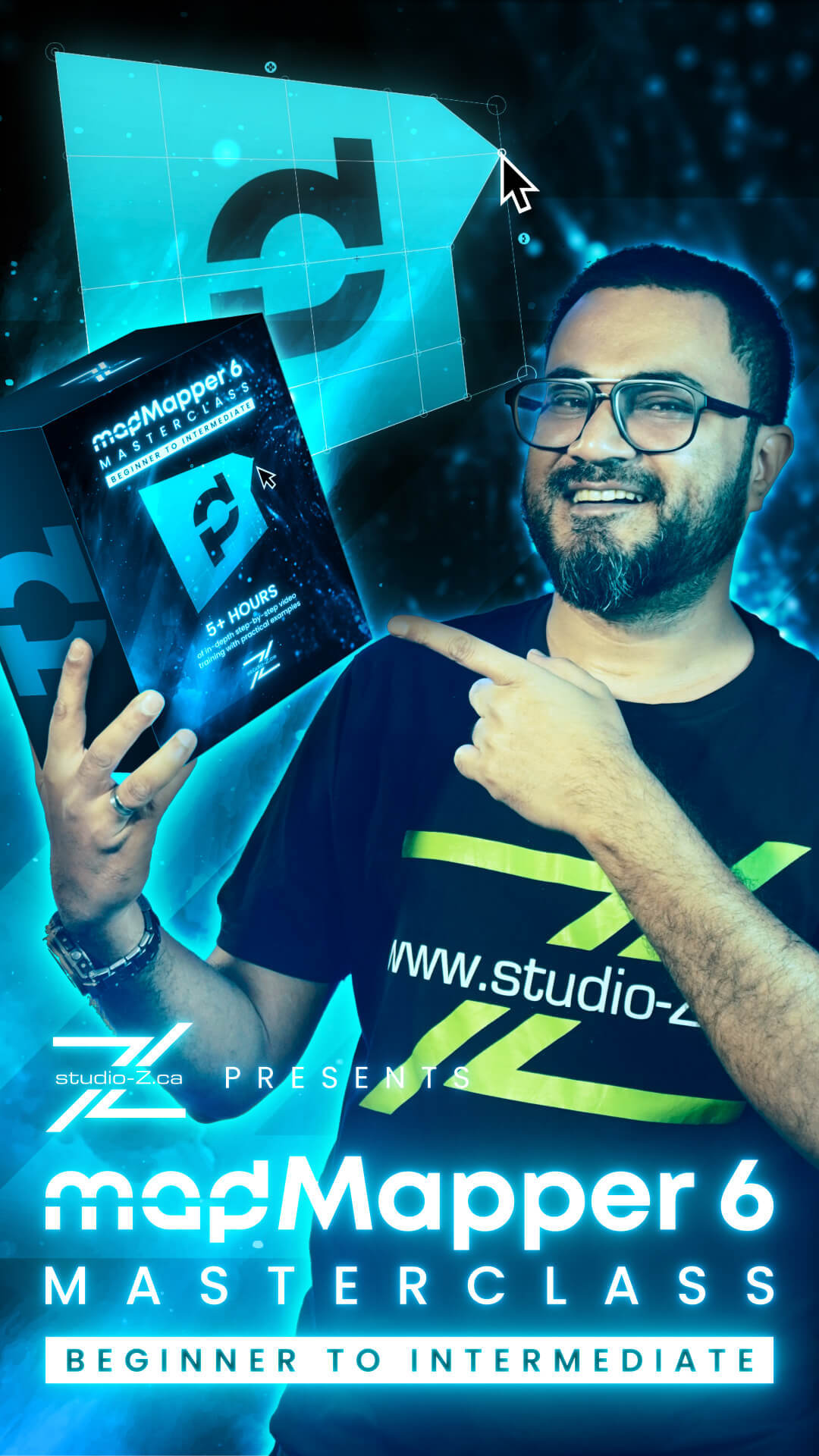
It's a self-paced online video course — 22 chapters, just over 5 hours of video, with practical tasks and downloadable example projects included throughout. No prior experience needed.
The curriculum moves in a logical order:
It starts with mapping fundamentals and hardware — understanding what projection mapping actually is before touching the software, knowing what equipment you need and how to set it up properly.
From there it goes into the MadMapper 6 interface, the output panel, surfaces and lines, media and content management, and then a full hands-on basic mapping workflow built step by step.
The middle section covers more advanced territory — complex geometry, masks, groups, multi-projector output, soft-edge blending, and then scenes, cues, and timeline. That's often where people feel like they plateau, and it's given real attention here.
The later chapters go into controls and external inputs (MIDI, OSC, DMX, audio), live inputs including Resolume integration and NDI, Space Scanner, LED display processor mapping, basic DMX lighting, and basic laser mapping.
It closes with Timeline Level 2 — nearly a full hour dedicated to building structured, cue-driven shows — followed by troubleshooting and optimization.
Full chapter list:
Chapter 1 — Introduction & Overview
Chapter 2 — Mapping Fundamentals
Chapter 3 — Tools & Hardware Requirements
Chapter 4 — Installing & Setting Up MadMapper
Chapter 5 — Interface Overview
Chapter 6 — Output Panel
Chapter 7 — Surfaces & Lines
Chapter 8 — Media & Content
Chapter 9 — Basic Projection Mapping Workflow
Chapter 10 — Advanced Geometry, Masks & Groups
Chapter 11 — Library
Chapter 12 — Output & Multi-Screen Setup
Chapter 13 — Scenes, Cues & Timeline
Chapter 14 — Controls & External Inputs
Chapter 15 — Live Inputs & External Integration
Chapter 16 — Space Scanner
Chapter 17 — LED Display Processor Mapping
Chapter 18 — Basic DMX Mapping
Chapter 19 — Basic Laser Mapping
Chapter 20 — Timeline (Level 2)
Chapter 21 — Troubleshooting & Optimization
Chapter 22 — What's Next?
Who this is for
If you're completely new to projection mapping, this is a genuinely solid place to start. You're not thrown in at the deep end — the course builds from the ground up, explains the reasoning behind each step, and gives you something real to work with by the end.
If you've been using MadMapper for a while but maybe picked it up informally, or if you skipped over certain areas and worked around them — this is a good opportunity to fill those gaps in a structured way. Understanding why things work the way they do in MadMapper changes how you work in it, and that's something a lot of experienced users find genuinely useful when they go back to the fundamentals.
And if you're already comfortable with older versions of MadMapper and want to get properly familiar with the new interface and workflow in version 6, this course is built around that exact version.
What students said
Two early students left their thoughts, and both are worth reading:
"As someone who just started freelancing in live events, this gave me the foundation I needed to say yes to projection mapping gigs with confidence. The final example walkthrough ties everything together really well." — Emile Caron
"Good course overall. I successfully completed it. Everything was explained step by step in a clear and simple way." — Raihan Islam
A note on the structure
The thing I appreciate most about this course is that it treats each tool with actual context — not just "here's the button, here's what it does," but showing how it fits into a real workflow. That's the approach that actually sticks, and it's what most tutorials miss when they try to cover too much ground too quickly.
For anyone who's been looking for a one-stop structured training for MadMapper 6, this is the most complete option I've come across.
The MadMapper 6 Masterclass — Beginner to Intermediate is available on studio-Z.ca at $349, with lifetime access, tasks, example projects, and a completion certificate.
https://studio-z.ca/all-courses/madmapper-6-masterclass-beginner-to-intermediate/
—
Zunayed Sabbir Ahmed
AV Lights Professional | Trainer



Top comments (0)