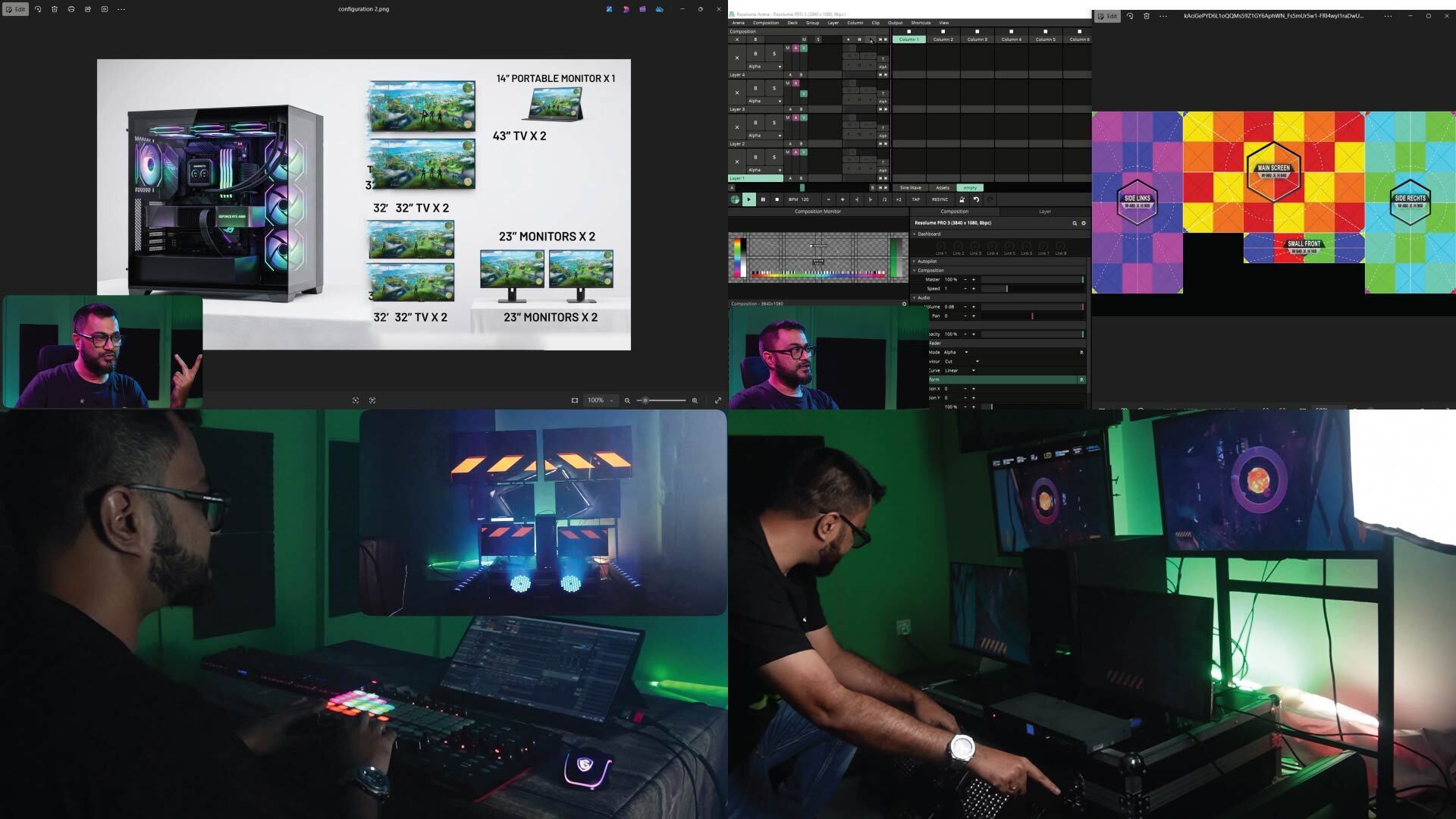

What counts as a "multi-display rig"?
Any VJ setup where your visuals are split across more than one physical screen or projector, working together as one show. This can be as simple as two portable screens flanking a small stage, or as complex as a full concert rig with six or more projectors and LED processors, all synced to one media server.
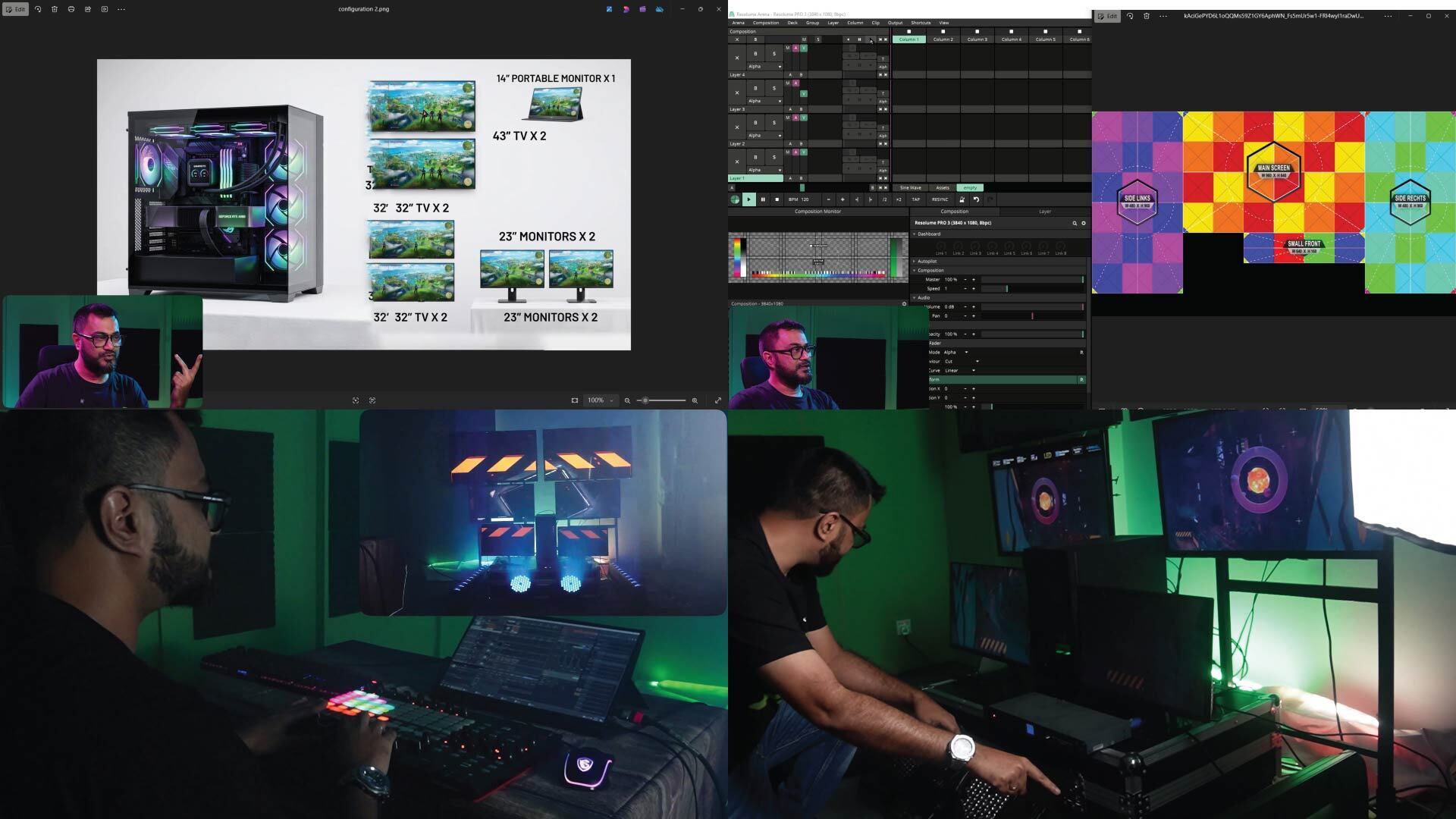
Why VJs move from single-display to multi-display
A single screen or projector is the easiest way to start VJing — one output, one canvas, minimal setup. Most VJs move to multi-display for one of a few reasons: a bigger stage that needs coverage from more than one angle, a client or venue that specifically requests it, or simply wanting to offer more visual scale as their bookings grow.
The jump from 1 to 2 displays
This is the biggest conceptual jump, even though it sounds small. With one display, your composition is your canvas. With two, you have to decide: are these two displays showing the same content mirrored, extended as one wide canvas, or independent content entirely? Each choice needs different setup inside your VJ software, and getting screen size and position wrong here is the most common beginner mistake.
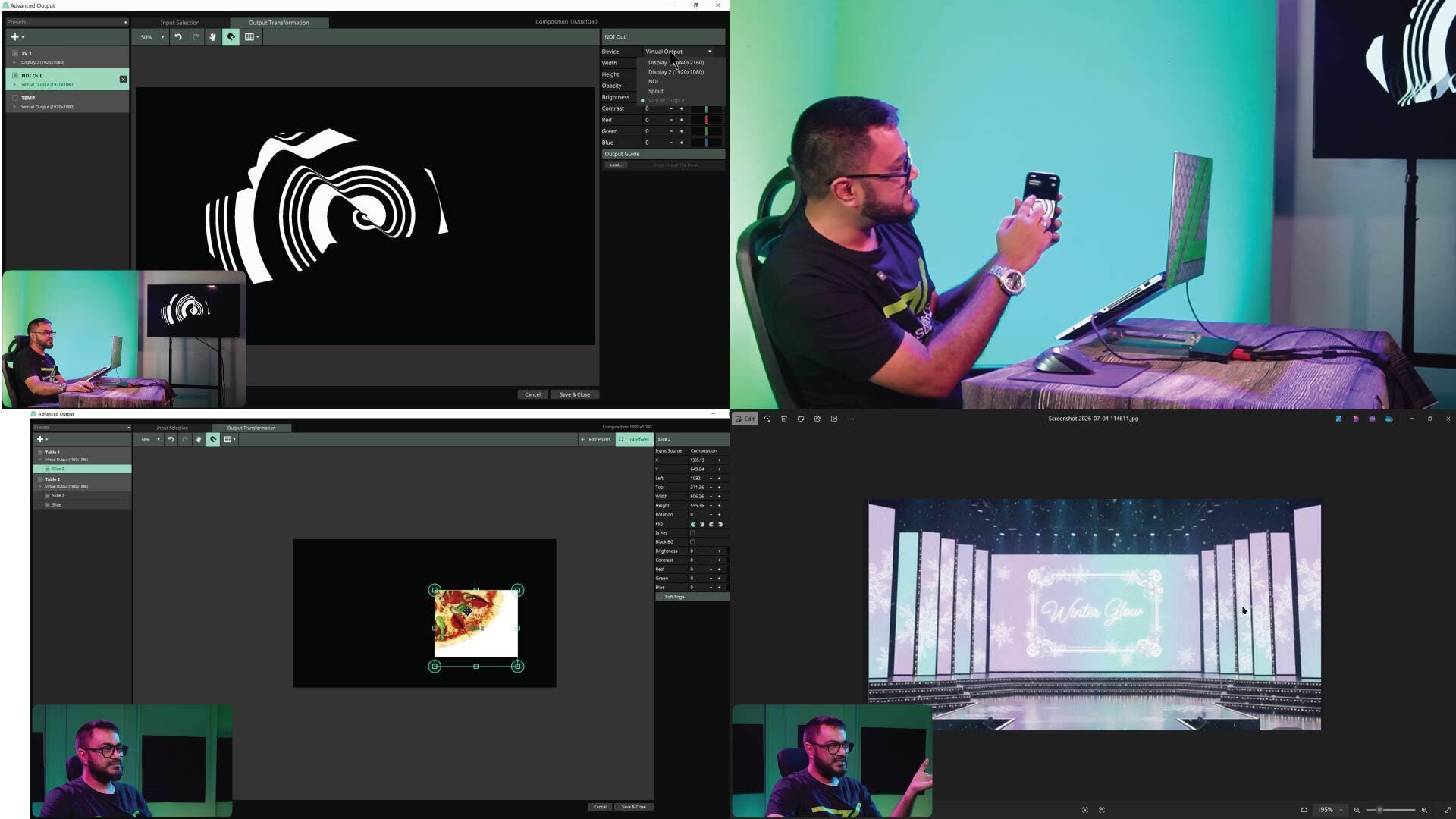
What changes at full venue scale
Beyond 2–3 displays, a few things become unavoidable:
- Venue riders matter. Projector count, throw distance, and resolution are usually specified by the venue, not chosen freely.
- Backup planning matters. With more hardware in play, something is statistically more likely to fail mid-show — a backup output plan stops being optional.
- Naming and organization matter. Once you're past 3–4 outputs, an unorganized composition becomes very hard to troubleshoot live.
A realistic path to get there
Nobody starts on a 6-output rig. The realistic path is: get confident on one display, deliberately practice a 2-display setup even if you don't need it yet, then take on multi-display gigs as they come — ideally with structured training behind you rather than figuring out edge blending live at soundcheck for the first time.
Where to go deeper
For VJs ready to move past the basics, Resolume Masterclass PRO covers this entire progression inside Resolume Arena specifically — from single-display fundamentals through full multi-display, DMX-integrated shows.
Enroll: Resolume Masterclass PRO — https://studio-z.ca/all-courses/resolume-masterclass-pro/ (short: tinyurl.com/resolumePro)



Top comments (0)